Your satellite receiver,
beautifully on Apple TV.
EnigmaTV is a modern interface for Enigma2 receivers. Watch live TV, pause and rewind it, browse the TV guide, play recordings and manage your box – all with the Siri Remote, in any room.
Everything your receiver can do, made for the big screen.
Your Enigma2 box stays the tuner and the recorder. EnigmaTV turns any Apple TV in your home into a fast, elegant screen for it.
Live TV
Stream channels straight from your receiver over the home network, with channel previews and an info overlay.
Timeshift
Pause live TV, jump back and return to live with a swipe. The buffer lives on Apple TV, so your receiver stays free.
TV guide
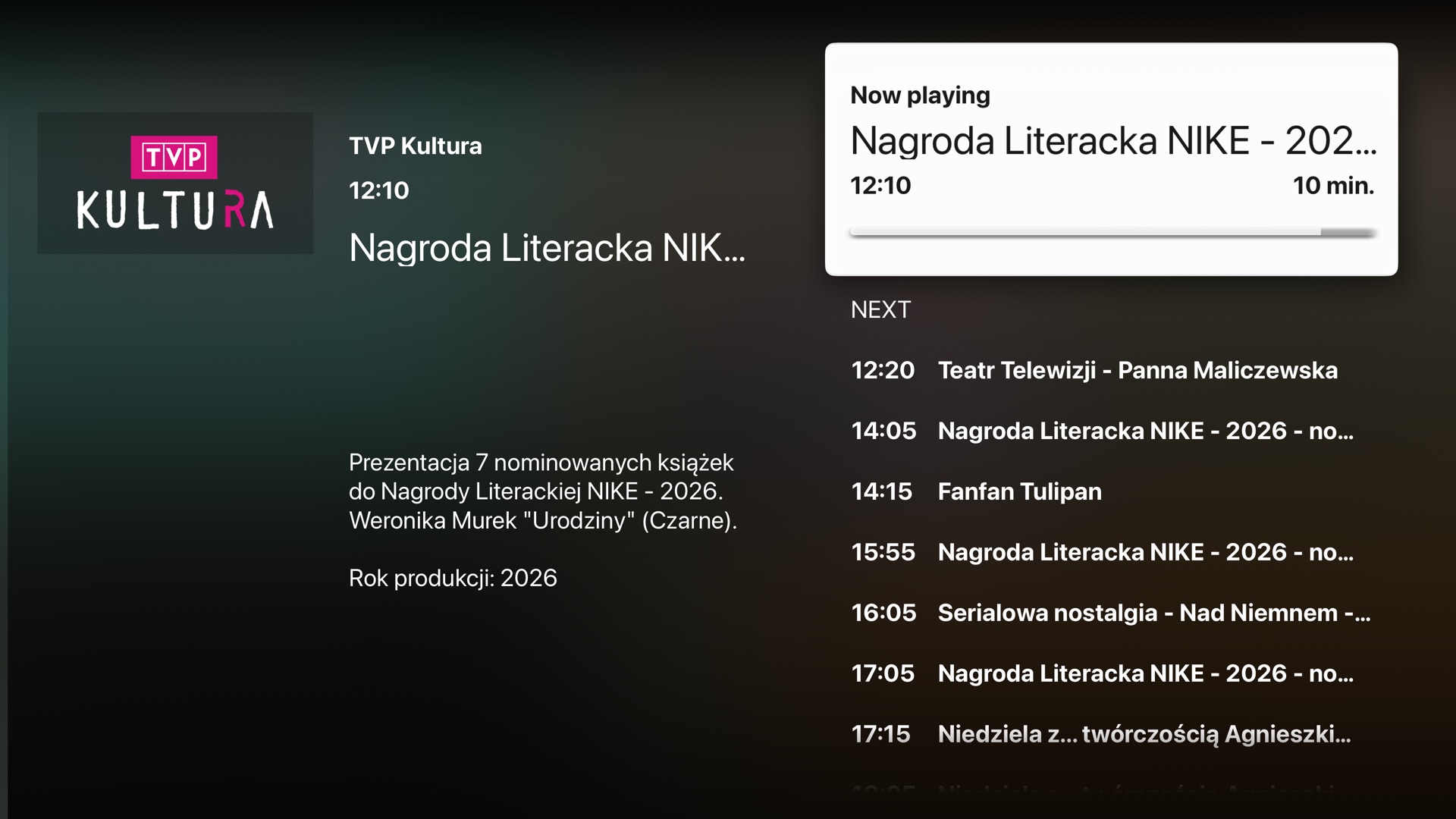
Your bouquets as configured on the receiver, what is on now on every channel, programme details and artwork.
Recordings
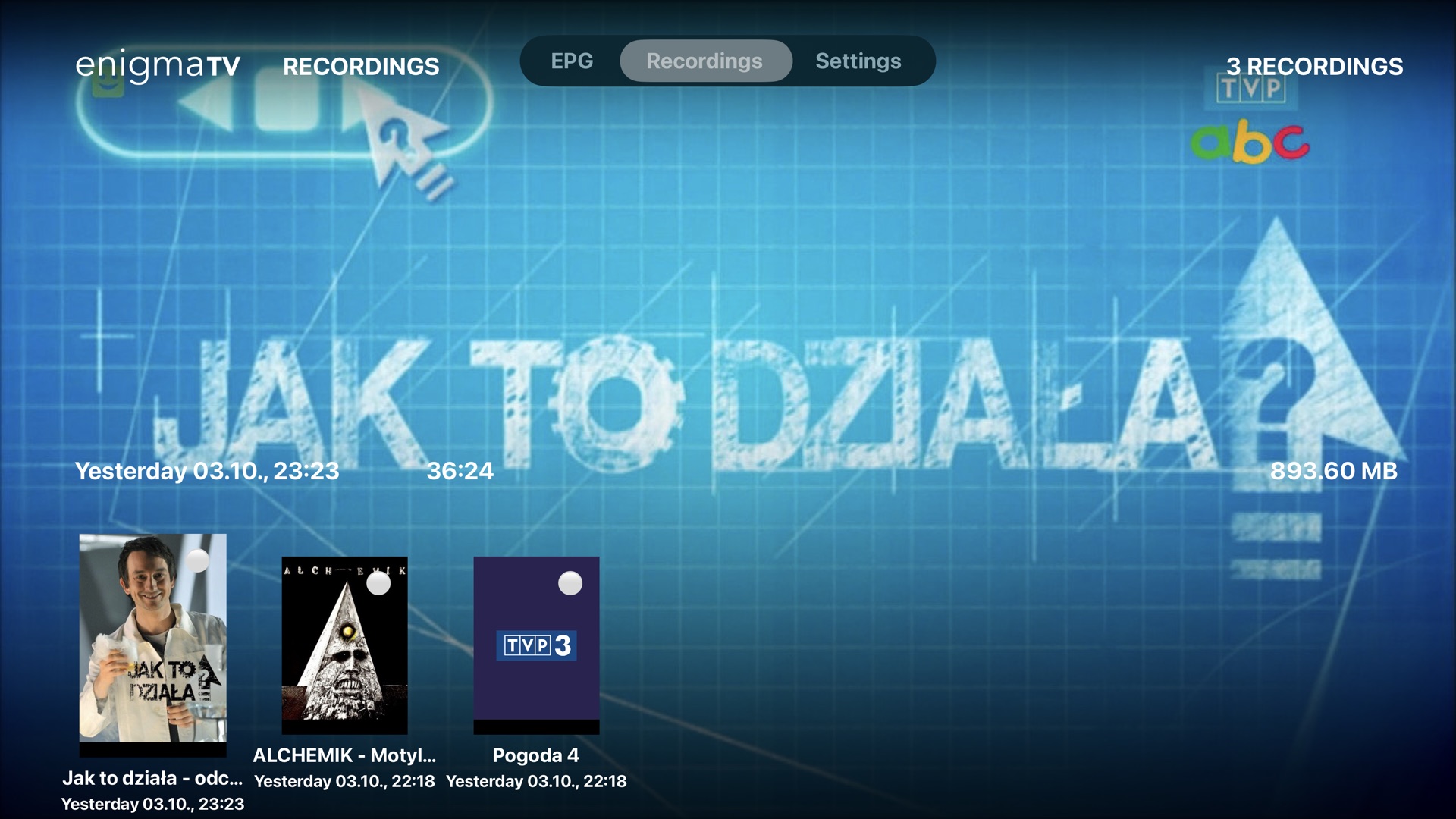
Browse and play recordings stored on the receiver, schedule new ones from the guide and manage timers.
Receiver settings
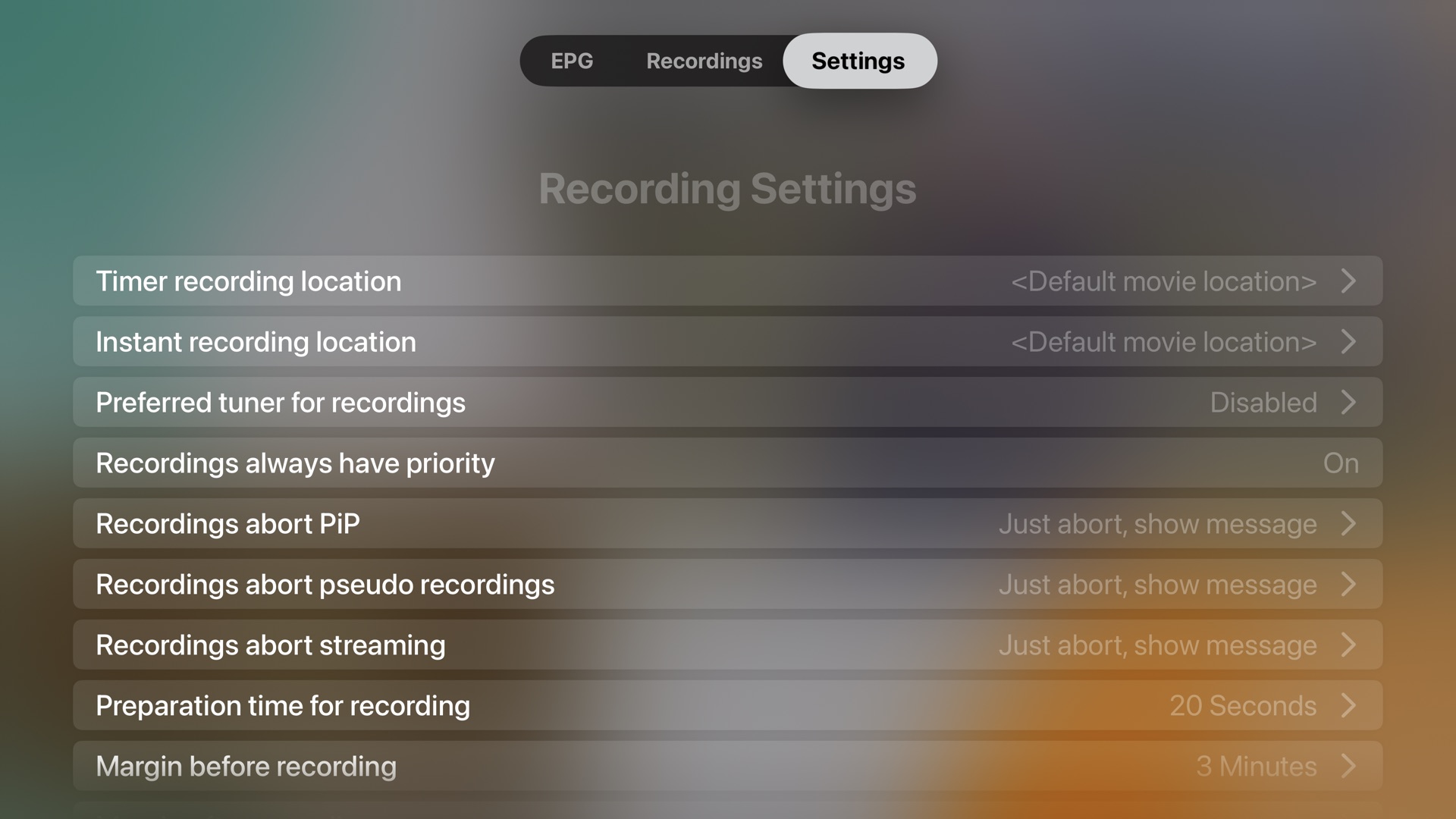
Status, signal, standby, sleep timer, reboot – and the important settings of your box, from the sofa.
Private by design
EnigmaTV talks directly to your receiver on your local network. No account, no cloud in between, no tracking.
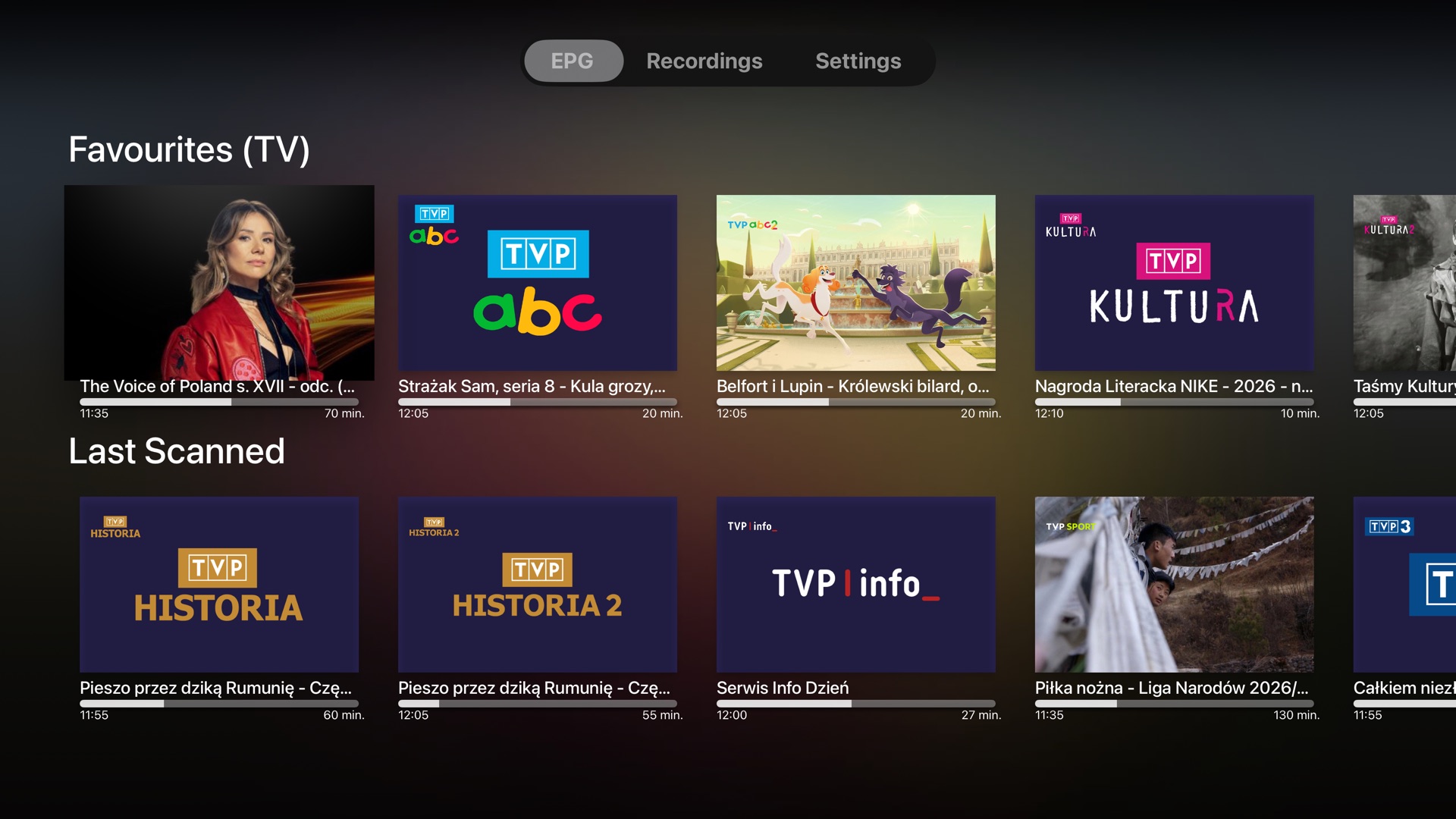
See what's on – everywhere.
The guide shows your bouquets exactly as on the receiver, with the programme on air, its progress and artwork.
- All bouquets and channels from your receiver
- Now and next for every channel
- Channel logos and programme artwork
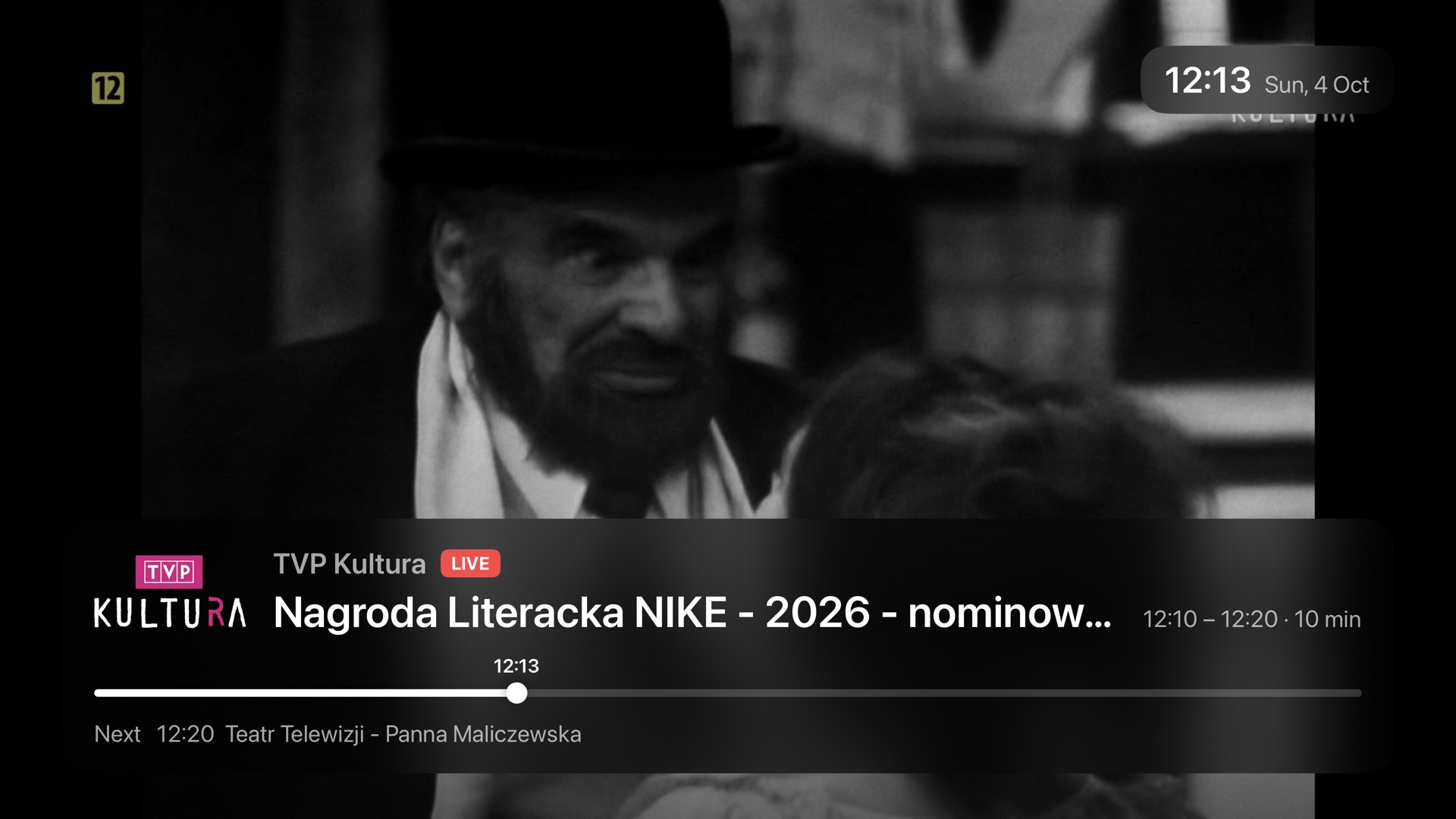
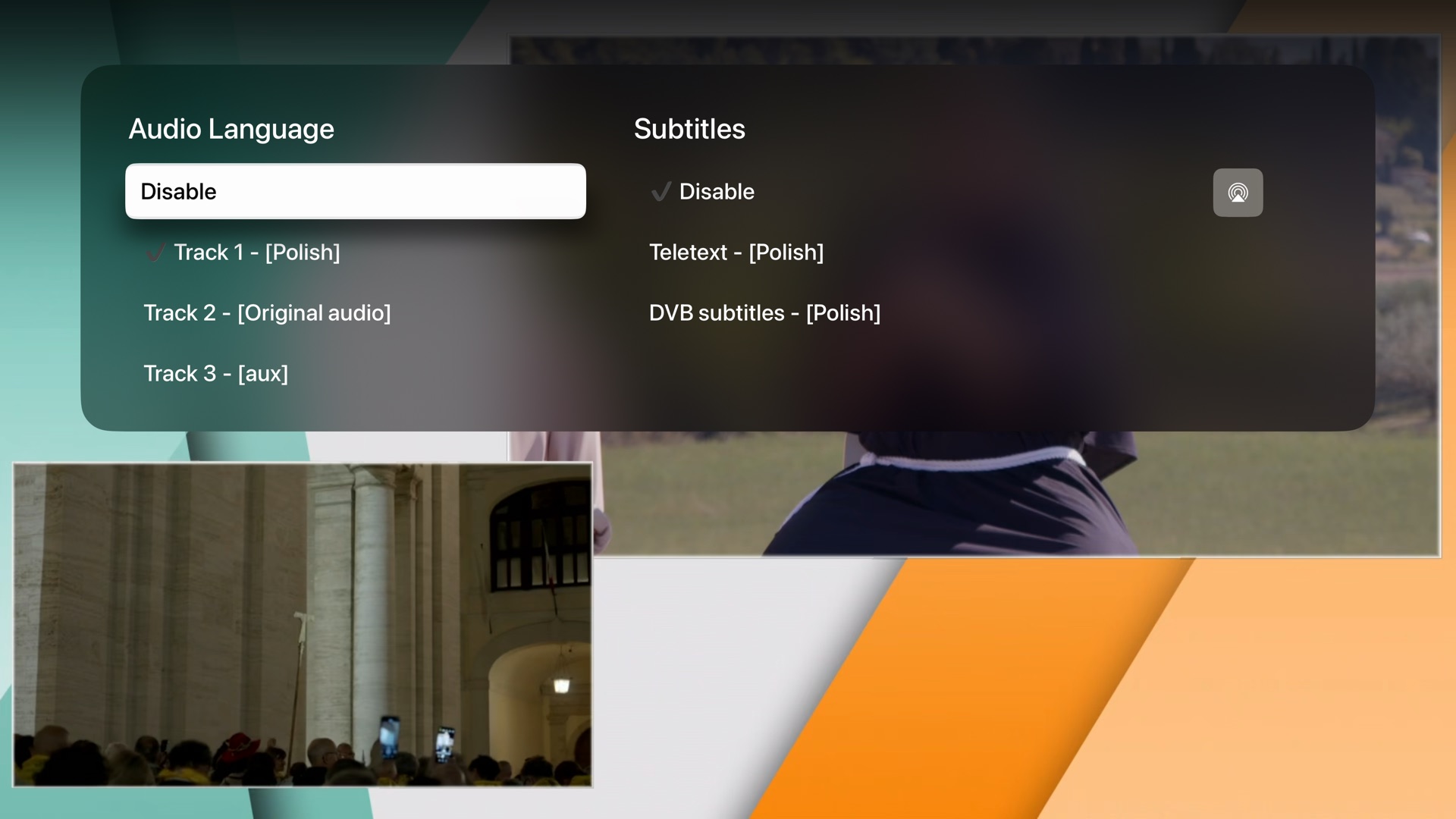
Live TV with a glance at the details.
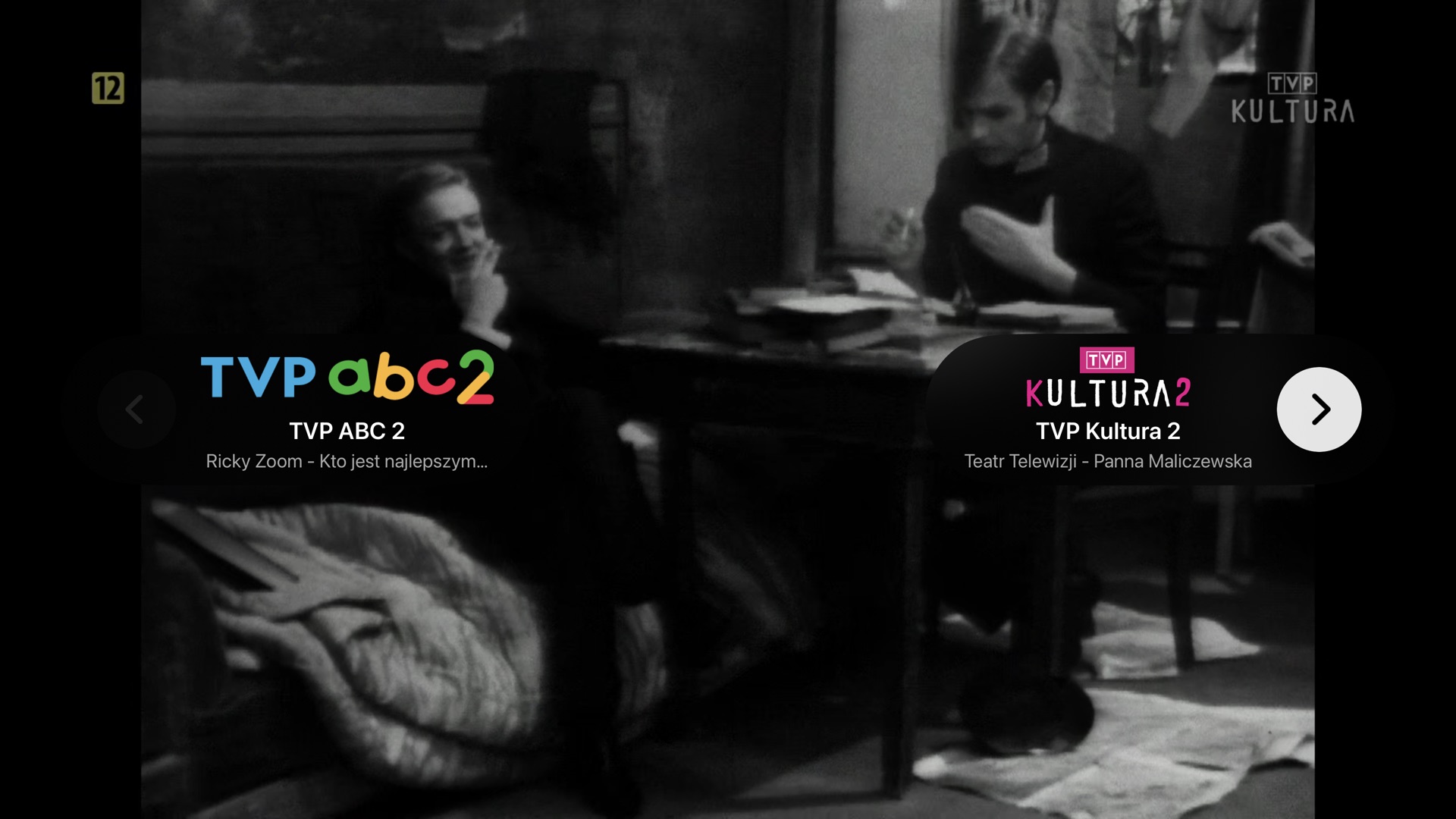
A Liquid Glass overlay shows the channel, the programme, its progress and what is next – and gets out of the way.
- Audio track and subtitle selection
- Channel up/down with a preview of neighbouring channels
- Picks up where you left off on launch
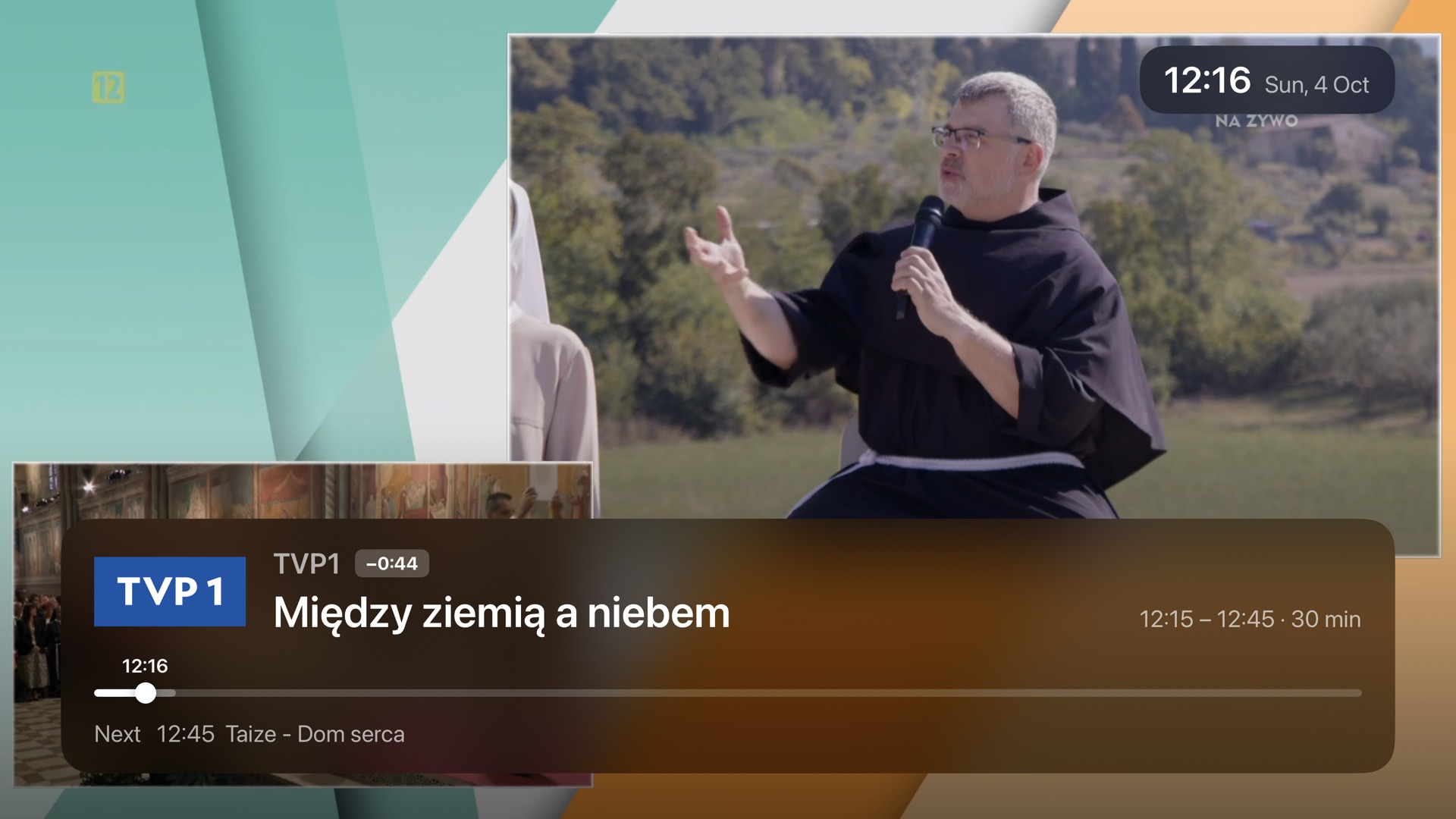
Pause live TV. Really.
Timeshift buffers the channel on Apple TV. Pause for the doorbell, rewind a goal, then swipe back to live.
- Buffer of 30 minutes up to 3 hours
- Instant seeking to the nearest keyframe
- Uses a single stream from your receiver
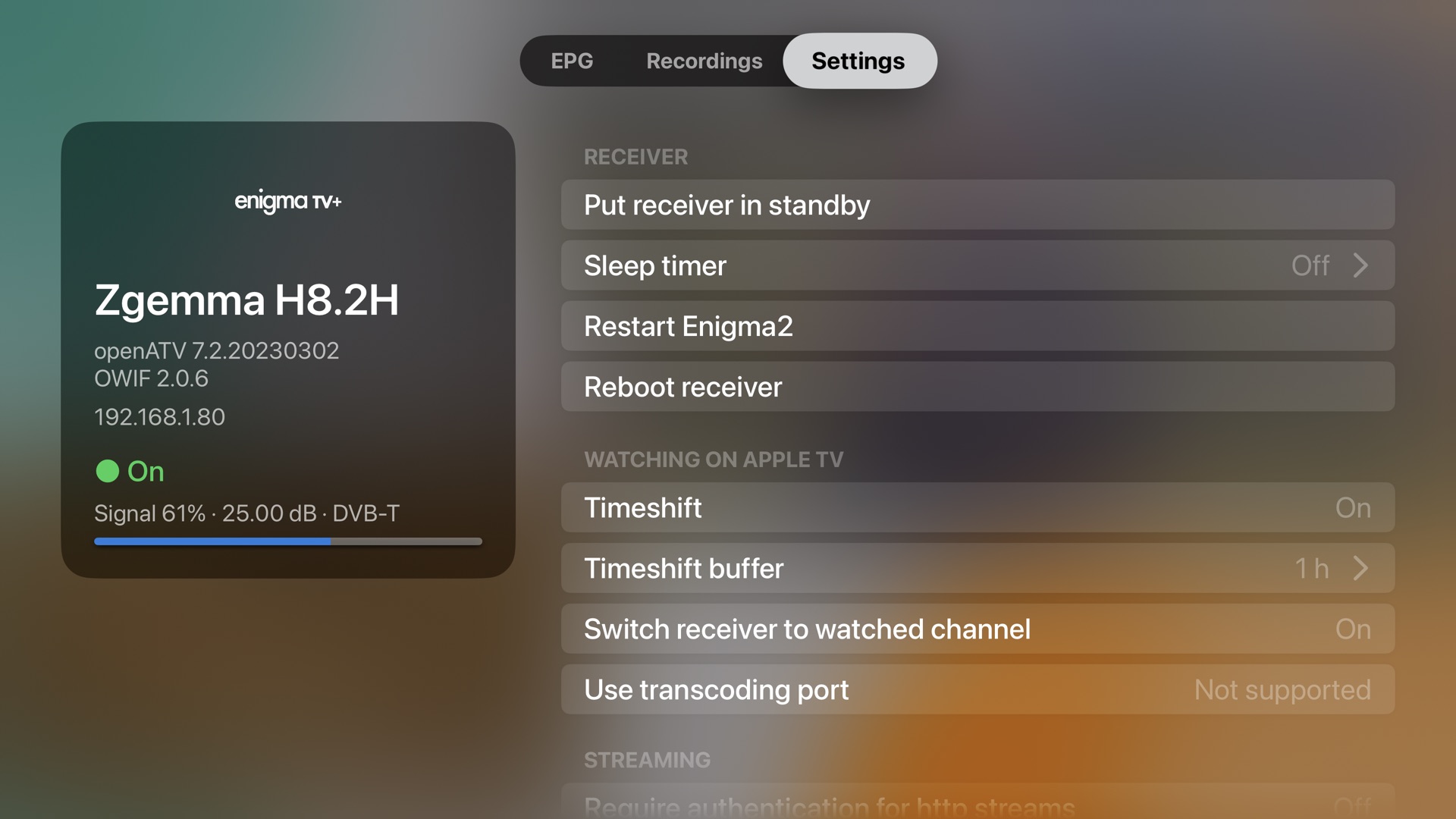
Your receiver, at your fingertips.
See model, software and signal at a glance, and change the settings that matter without switching the TV input.
- Standby, wake-up, sleep timer, restart and reboot
- Recording margins, streaming and time settings
- Every settings section the receiver exposes
Set up in under a minute.
No IP addresses to type. EnigmaTV finds your receiver on the network by itself.
Install
Get EnigmaTV from the App Store on your Apple TV.
Discover
On first launch, EnigmaTV scans your local network for Enigma2 receivers with OpenWebif.
Select
Pick your receiver. Channel lists and the TV guide load straight away.
Watch
Choose a channel – live TV starts within seconds.
Requirements
- Apple TV with tvOS 16.2 or later (the Liquid Glass design requires tvOS 26)
- A receiver running Enigma2 with OpenWebif – included in OpenATV, OpenPLi, OpenViX, OpenBH and most other images
- Receiver and Apple TV on the same local network; a wired connection for the receiver is recommended
- Reception or a subscription for the channels you want to watch
Tested with
Zgemma H8.2H (DVB-S2 + DVB-T2/C) with OpenATV 7.2 and OpenWebif 2.0.6, on Apple TV 4K (1st and 3rd generation) with tvOS 26.
Looking for a receiver? Read our overview of Enigma2 receivers.
Screenshots
Frequently asked questions
Does EnigmaTV include TV channels?
No. EnigmaTV shows what your own receiver receives – free-to-air channels or channels from your subscription. It does not provide or sell any TV content.
Which receivers are supported?
Any receiver running Enigma2 with the OpenWebif web interface, which is installed by default on OpenATV, OpenPLi, OpenViX, OpenBH and most other Enigma2 images. See the receiver overview for popular models.
Can I watch when I'm away from home?
EnigmaTV is designed for your home network: Apple TV and the receiver must be on the same local network.
How many Apple TVs can watch at the same time?
Each stream needs a free tuner (or demodulator) on the receiver. Receivers with two tuners or an FBC tuner can feed several Apple TVs at once, provided the channels can be received together.
Do encrypted channels work?
If your receiver can decrypt a channel (e.g. with a CI module and smart card) and streaming of decrypted channels is enabled on the receiver, EnigmaTV plays it like any other channel.
My receiver needs a password.
Enter the user name and password in Settings → Connection. They are sent only to your receiver.
Why does EnigmaTV ask for Local Network access?
To find your receiver and talk to it. EnigmaTV connects only to devices on your own network (plus HTTPS requests for artwork and logos). Read the privacy policy.